![Logo-RETR-300x300-1.png]](https://kb.retr.app/hs-fs/hubfs/Logo-RETR-300x300-1.png?width=60&height=60&name=Logo-RETR-300x300-1.png)
If you're an individual user (not on an enterprise account): You can view and download your RETR invoices by logging in and heading to the drop down menu in the top right corner with your name.
Click on Billings and Payments, and you'll be redirected to a page containing your recent invoices, which you can view and download.
If you need to update your payment method, use the "Stripe Billing Portal" option.
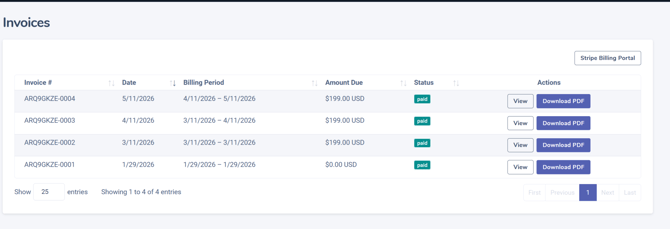
If you are an enterprise admin: Log in to your RETR account and head to the Admin section in the top navigation bar.
In the left hand sidebar under the contract expiration date will be a view invoices.
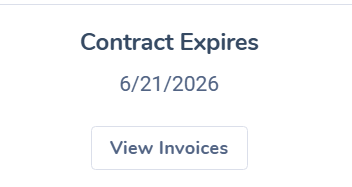
You'll see the same view as above, and be able to download and view your team's invoices.
If you are a user on an enterprise or CRM account: We would have no billing information for you, as your billing is done by your company/CRM. Please reach out to them for any questions surrounding your billing.